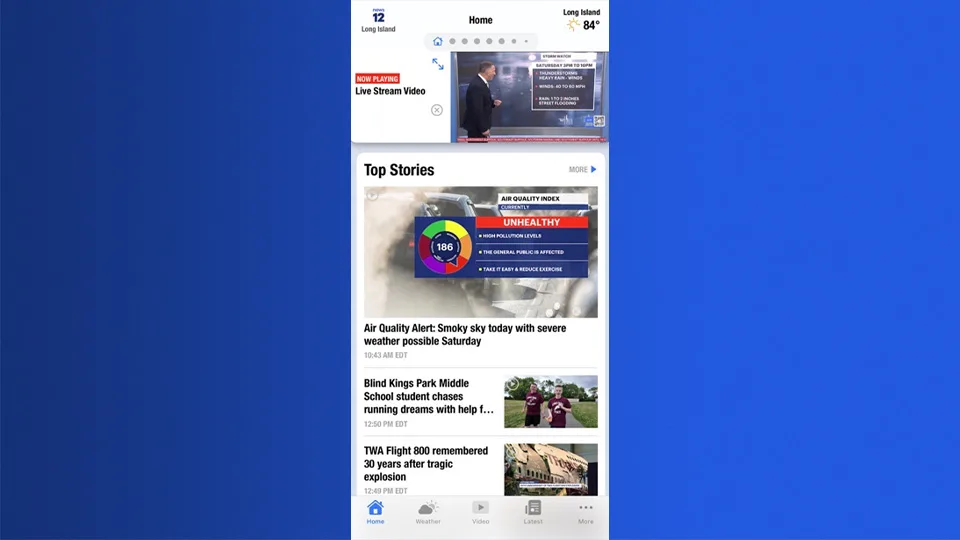
The all-new News 12 app is live. Here’s how to update
Our previous app version will be retiring soon. To make sure you never miss a breaking news window, critical weather alert or school closing in your area, you will need to transition to the updated version.
More Stories


The all-new News 12 mobile app is officially here!
We’ve rebuilt your local news experience from the ground up to bring you a faster, cleaner and more reliable way to stay connected to your neighborhood.
Why You Need to Update
Our previous app version will be retiring soon. To make sure you never miss breaking news, critical weather alerts or school closings in your area, you will need to transition to the updated version.
The new app features a refreshed design built for speed, making it easier than ever to stream News 12, track live radar and catch up on the local stories that matter most to you.
How to Get the New App
Updating is quick and easy. Depending on your device, follow the steps below:
For iPhone & iPad Users: Open the App Store on your device, search for "News 12," and tap Update. If you don't have it installed yet, click Get to download it for free.
For Android Users: Open the Google Play Store, search for "News 12," and select Update (or Install if downloading for the first time).
Note: If you have automatic updates turned on for your device, your app may have already upgraded to the new version!
Stay ahead of the news. Download or update your News 12 app in the App Store or Google Play Store.